See how your widgets do
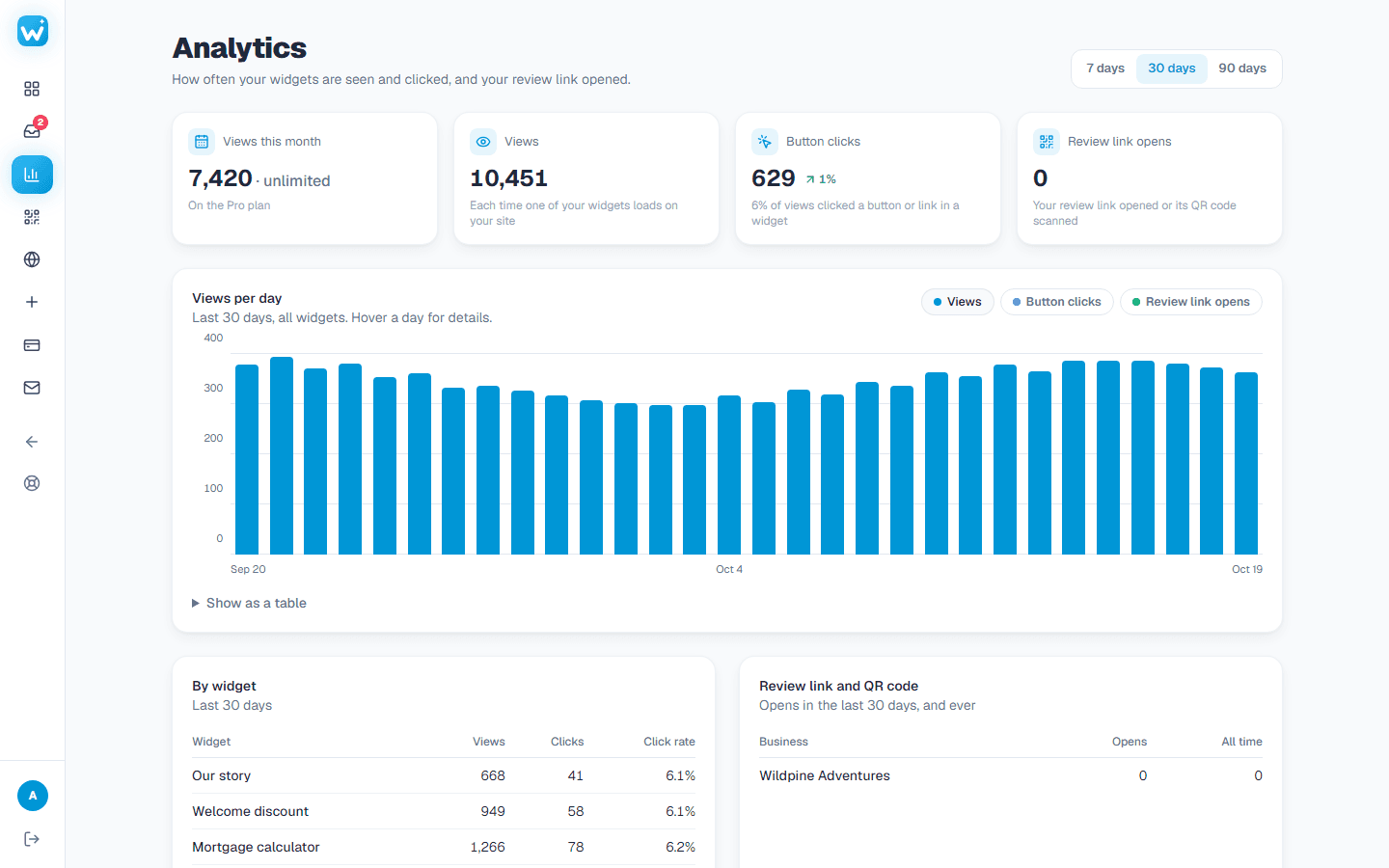
Views, unique visitors and clicks per day, per widget and per website.
- 1Open Analytics in the menu.
- 2Pick how many days to look at.
- 3See how many times your widgets were seen and clicked, by how many unique visitors, and on which website.
- 4A unique visitor counts once a day, however often they reload, without cookies. Search engines and other bots are not counted at all.
- 5A before & after slider has its own card: how often the line was moved, pairs opened big and the button pressed.
- 6An accessibility panel has its own card: how often it was opened, problems reported, and Details for the tools, profiles, devices and languages visitors used.
Related guides
Still need help?
Tell us what you're trying to do. A real person replies, usually within one working day.